

How to Run MangaZone on PC
If you read manga on your phone, you know the struggles. We’re talking tiny panels, constant zooming, and accidental taps. That’s why apps like mangazone gained traction so fast, and why many readers now look for ways to bring it onto a bigger screen. Let’s talk about what makes this manga reader click with fans and how you can run it on PC for a better experience.
Massive Library That Keeps You Hooked

MangaZone offers a broad selection of titles. Action, romance, slice of life, fantasy. The catalog runs deep, and it updates frequently. New chapters appear quickly after release. That keeps you current without endless searching. For weekly readers, that speed matters. The search function works well. You can filter by genre or popularity. That makes exploring new series less chaotic. Bookmarking helps you track progress. You never lose your place mid-arc. It’s simple, and it works. For binge readers, this library feels like a candy store. One chapter turns into five. You’ve been warned.
Smooth Reading Experience That Respects Your Eyes
The reading interface is clean. Panels load fast with minimal delay. That keeps immersion intact. You can switch between vertical scrolling and page flipping. Some prefer swipe transitions. Others want continuous scroll. The app gives you control. Image quality holds up on high-resolution displays. Text stays readable without aggressive zooming. That matters for dialogue-heavy scenes. Night mode reduces glare. Long sessions become easier on your eyes. It’s a small detail, but it adds comfort. Offline reading is another plus. Download chapters and read without an internet connection. Perfect for flights or commutes. The overall experience feels focused. No clutter. No distractions.
Community Features and Personalized Feeds

MangaZone highlights trending series. That helps you catch rising hits early. It’s like having a built-in recommendation engine. User ratings offer quick insight. If a title has strong feedback, you know it’s worth a shot. That saves time. You can follow specific series. Notifications alert you when new chapters drop. No manual checking required. Personalized suggestions improve over time. The more you read, the better the recommendations. That feedback loop keeps engagement high. It creates a sense of continuity. You open the app and jump right back into your story universe. For fans, that consistency is gold.
Why Running MangaZone on PC Changes the Game
Reading on a phone is convenient. But manga art deserves space. A larger monitor shows details you might miss on a small display. On PC, pages feel cinematic. Background art pops. Action scenes hit harder. Scrolling with a mouse wheel feels natural. If you treat manga like a weekend marathon, desktop use makes sense.
How to Run MangaZone on PC Using MemuPlay
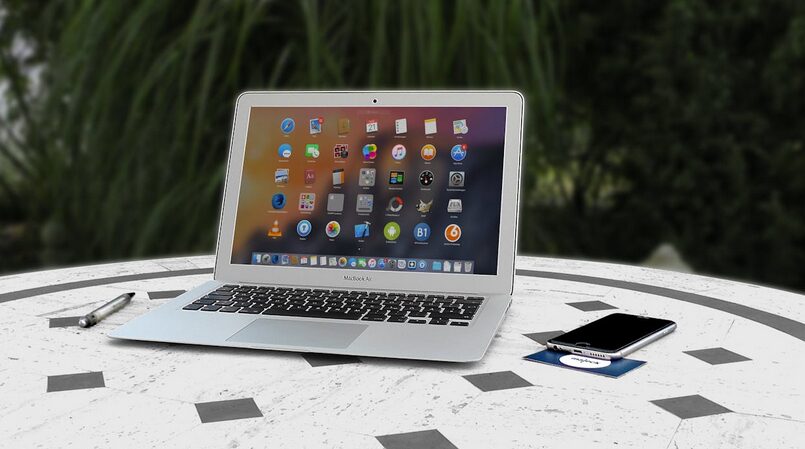
MangaZone is an Android application. You cannot install it directly onto Windows or macOS. You need an Android emulator, and MemuPlay is a solid option. MemuPlay creates a virtual Android environment on your computer. It lets you install mobile apps as if you were using a smartphone. Setup is straightforward. First, download and install MemuPlay on your PC or Mac. Open the emulator and sign in with your Google account. Access the Google Play Store inside MemuPlay and search for MangaZone. Install it just like you would on your phone. After installation, launch the app from the emulator home screen.
Then, adjust resolution settings for a better reading layout. Now you can enjoy your favorite series on a larger screen with smoother control. MangaZone already delivers a strong mobile reading experience. On PC, it feels even more immersive. If you love manga, this setup gives the artwork the stage it deserves.…

 Some life alert devices come with a simple button to press to call for help. These buttons are easy to operate and don’t require any special knowledge or experience, which means anyone in your loved one’s home (including children) could use the device if an emergency should arise. Make sure whichever system you choose has this type of SOS button.